In-App Purchases
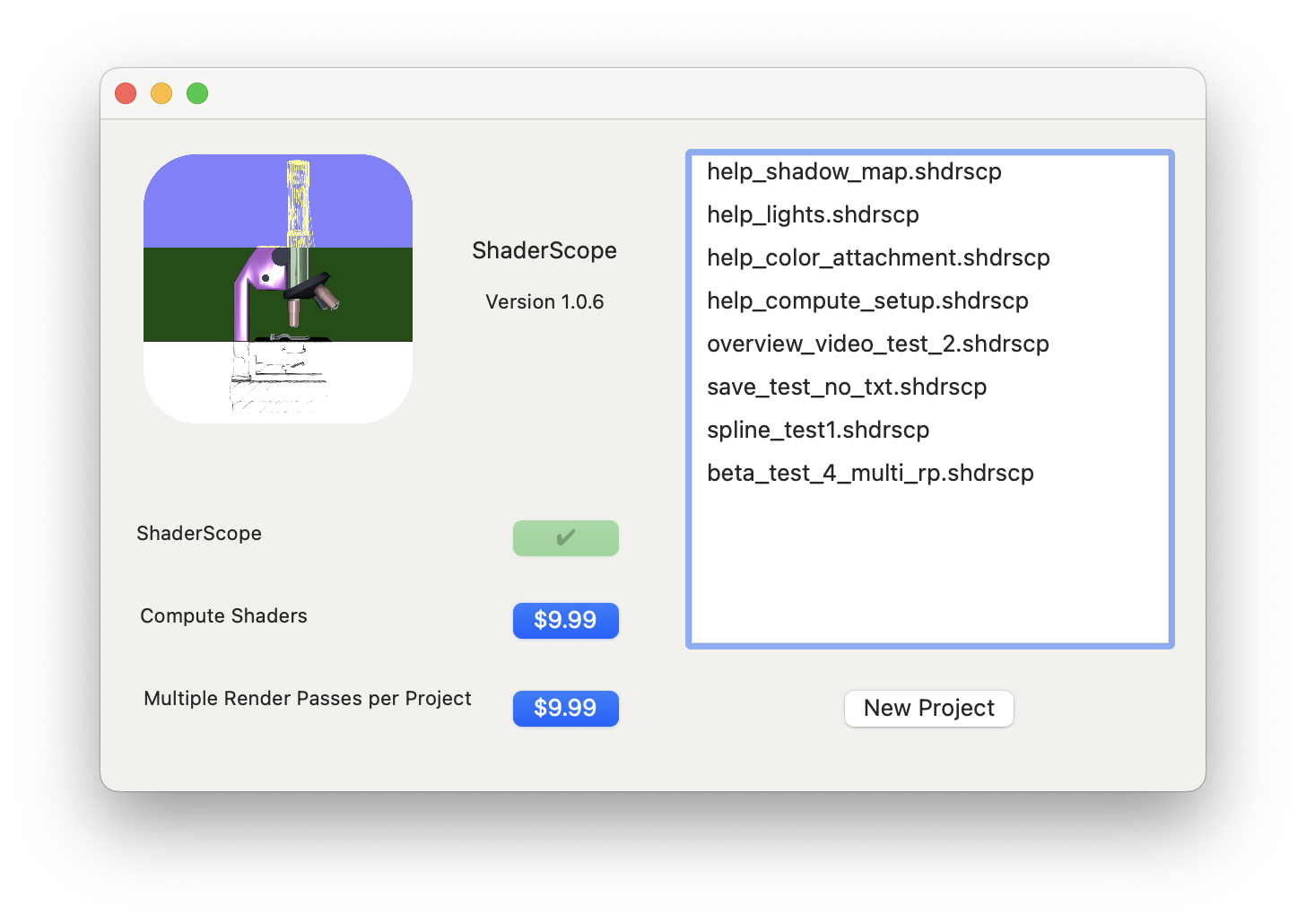
ShaderScope offers two in-app purchase products, either of which you can purchase by clicking their button on the launch screen (which can be opened by clicking Help -> In-App Purchase if it's not already showing).
Once you've completed the purchase process the functionality you've purchased will be available immediately and the price on that product's button will change from its price to a green checkbox.
Compute Shaders
This adds support for compute/kernel shaders. As with rendering shaders, you can write your own code, including setting your own parameters, and quickly connect textures (including the off-screen output of a previous render pass), numeric values, and timer-specific values.
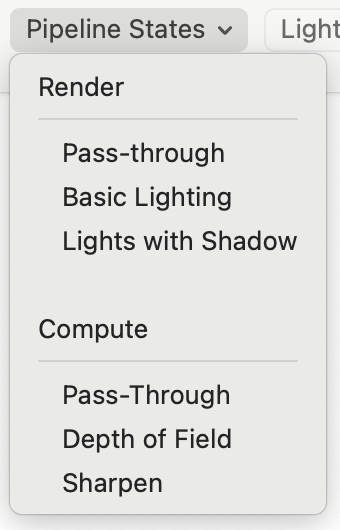
You can find this new functionality in the Pipeline State toolbar menu on the Shader Path window. It will now include three starter compute pipeline states you can add to your project.
Multiple Render Passes
The free version of ShaderScope allows a single render pass per project. This add-in allows for unlimited render passes, which is helpful for projects that include things like shadow maps and off-screen renders.
Refunds
To get a refund for any ShaderScope in-app purchase, click Help -> Refunds and click the button of the product(s) for which you want a refund. Refunds are approved by Apple's App Store and may take up to 48 hours to be processed (you'll see this warning on the refund window after you've completed it).
Project Files With In-App Purchase ContentIf you saved any project files that contain content related to an in-app purchase (compute shaders or more than one render pass), those project files will still open after your refund has been processed, but any parts of it related to the refunded product will be absent and you'll see a message telling you what isn't being loaded and why.
Tied To Your Apple ID
The App Store ties in-app purchases to your Apple ID, so make sure you're logged in to your Mac as the same user under which you made the purchases to ensure that their features are enabled.
Red Question Marks?
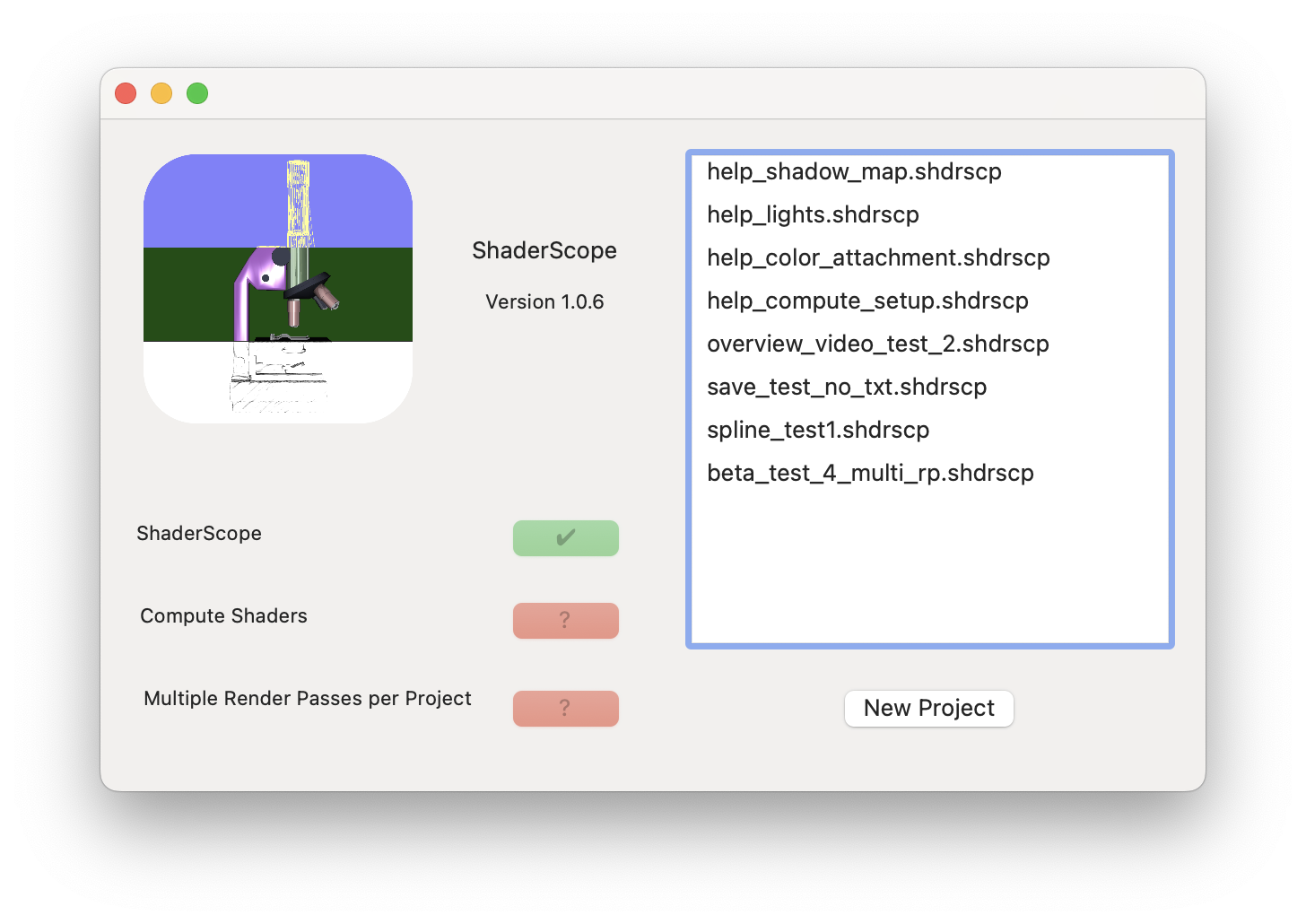
When ShaderScope starts it attempts to contact Apple's App Store. If it can't, it will show question marks for the products you haven't purchased. Any products you have already purchased will still work even if you're offline.
Back to Help